
Event planning software: why five scattered tools cost your team more than one shared workspace

Oniloo
Jun 18, 2026
How many tools does your team use to plan a single event? If you count them honestly, the list tends to look something like this: a spreadsheet for the budget, a task management app, a WhatsApp group or team messaging thread, a Drive folder for vendor documents, and a guest list stored somewhere else entirely.
Each tool on its own is not the problem. The problem is what happens when information lives in all of them at once.
Why fragmentation is costing your team more than you think
When every team member works in their own tool, the team ends up operating in silos. No one has the full picture: not the real budget, not the outstanding tasks, not which vendors are confirmed. Coordination happens reactively, through a constant stream of follow-up messages: "Did you chase the caterer?" "Who is handling the purchase order?" "Is the guest list updated?"
Those messages are a signal, not a solution. They mean your team cannot see what is actually happening without asking. And asking takes time, creates ambiguity, and produces blind spots.
The practical consequences: a vendor slips through because the task confirming them lived in an app only one person opened. The budget is only visible to the person holding the spreadsheet, making every purchase decision opaque to everyone else. A key piece of information gets buried in a thread half the team never saw.
What purpose-built event planning software actually changes
The value of dedicated event planning software does not come from any single feature: most general-purpose tools can match individual functions. It comes from having everything in one place, accessible to the whole team in real time.
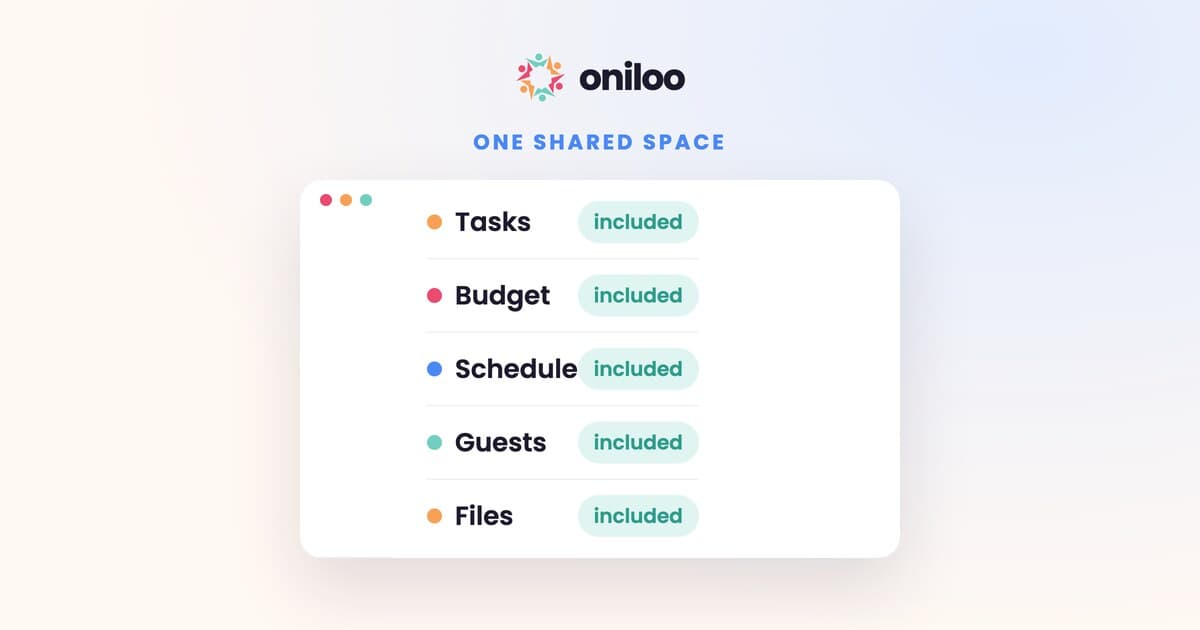
When tasks, budget, schedule, guest list and files all live in a single shared workspace, several things shift:
Visibility becomes collective. Everyone can see progress in real time without asking. The budget is not locked inside one person's spreadsheet. Assigned tasks are visible to the whole team.
Accountability becomes clear. Every task has an owner. Every deadline is visible. The team does not need to remind each other what is left to do.
Information stops getting lost. A vendor file, a decision made in a meeting, a constraint from a guest: it all lands in the workspace instead of disappearing into a message thread buried under newer conversations.
Why this matters most for teams planning together
A solo organizer can manage with tools scattered across different apps: they know their own system, even an imperfect one. But as soon as a team is involved, even a small one (two co-organizers, a budget lead, a logistics coordinator), fragmentation becomes a real risk.
Team coordination does not improve by adding more tools. It improves when everyone sees the same thing, in the same place, without having to manually sync up.
That is why a shared workspace built for event planning makes a genuine difference. Not because it does more things, but because it consolidates what was scattered.
Oniloo is designed for exactly this: tasks, budget, schedule, guest list, messaging and files, all in one workspace visible to the whole team. Every member knows where things stand, without having to ask.
If you organize events with a team and still spend too much time syncing up instead of moving forward, this is a good moment to try something different.
Join Oniloo's free beta: oniloo.com/signup/organizer